01
Capture on purpose
The shutter is the trigger. Adjust the OCR region to the text you want, then capture when the frame is right.
OCR notes for iPhone and iPad
Konjac captures Japanese, English, and Chinese text with a deliberate shutter, translates when you ask, and keeps the result close at hand.
Built for the moment between seeing something and wanting to remember it.
Focused by design
Konjac stays quiet until you need it. Point, capture, and return to the words later.
The shutter is the trigger. Adjust the OCR region to the text you want, then capture when the frame is right.
Recognize Japanese, English, and Chinese with Apple Vision or an optional API provider.
Use Apple on-device translation or a provider you configure. Original text remains part of the note.
Notes live on your device and can sync through your private iCloud database. External AI is optional and chosen by you.
Read the privacy policyThe real app
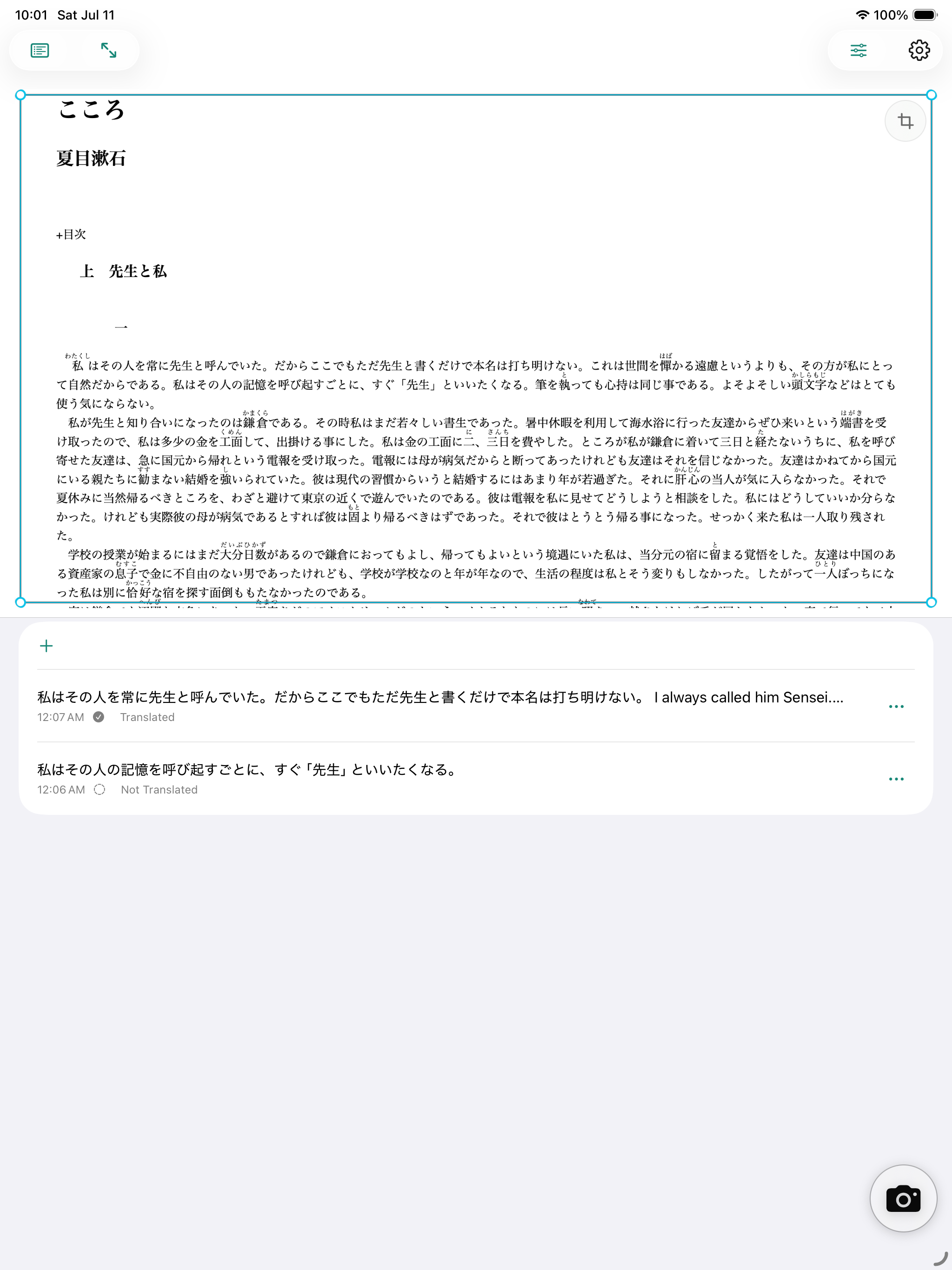
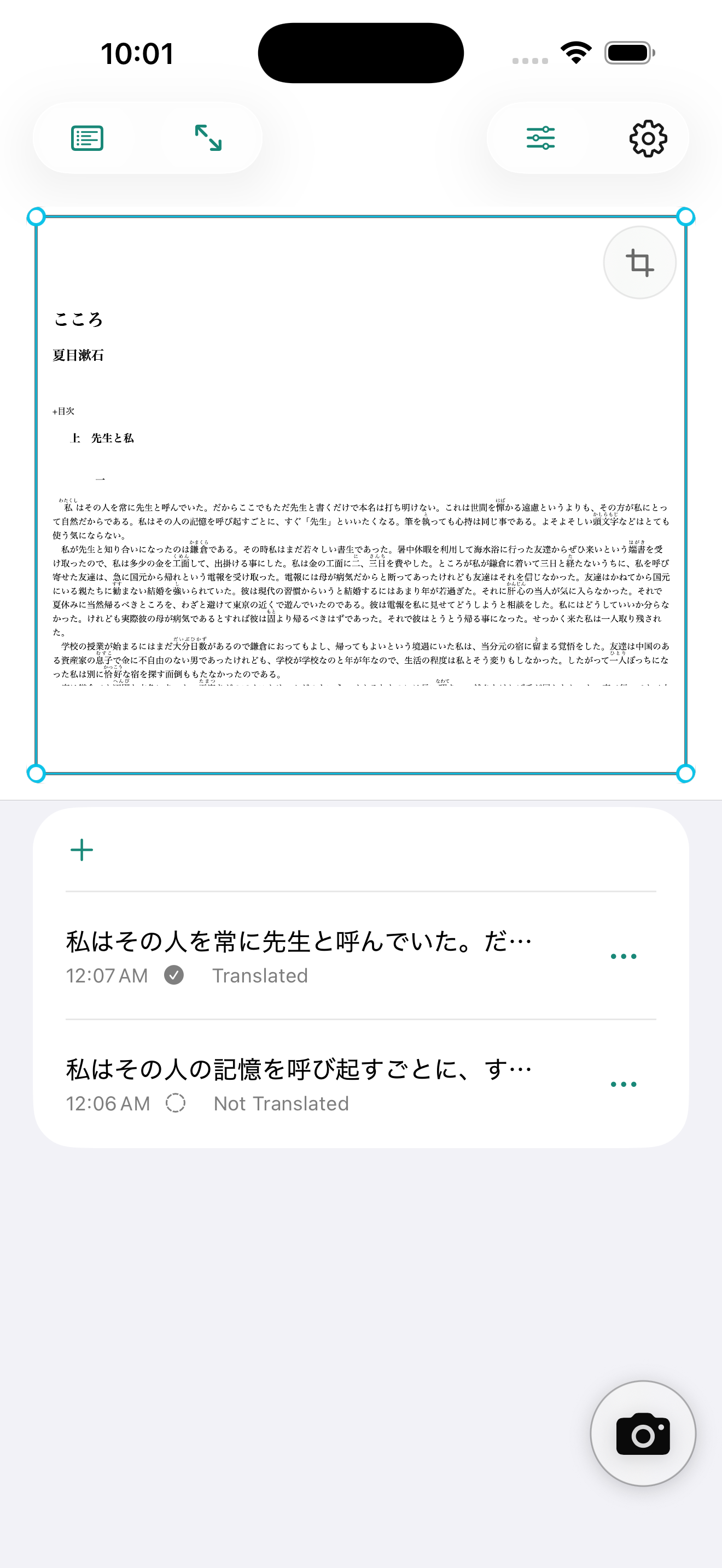
Konjac adapts the same capture-and-note rhythm to iPhone and iPad. These images come directly from the ad-free simulator build.
A simple rhythm
Point the camera and shape the OCR region around the words that matter.
Konjac recognizes the current frame only when you make the capture.
Edit, translate, revisit, and carry the captured words with you.
Your words stay yours
Use Apple’s on-device OCR and translation path without sending capture content to an external AI provider. If you choose OpenAI, Claude, or Gemini, Konjac sends only what is needed for that request using the key you store in Apple Keychain.
How Konjac handles dataNo separate user-account backend is required.
Provider credentials stay in Apple Keychain.
Optional sync uses your private CloudKit database.
Konjac
Follow the open-source project as Konjac moves toward release.
Explore on GitHub